Your LinkedIn,posted weekly
Buzzydice researches news in your field, writes a carousel in your voice, checks every number and publishes it on your profile. Every week.
About 10 minutes to set up. No password shared.
How it works
First, connect your LinkedIn
Open your setup link and approve Buzzydice on LinkedIn's own page. You never share a password and there is nothing to install.
Then, tell us who you are
A short form: who you write for, your tone, your topics, real cases with their numbers, sources you trust, your colours and logo, and when to post.
Every week, a post goes out
We research, write, check every number and design the carousel. It goes out on the days and at the time you chose, after your approval if you want one.
Buzzydice would like to
- Publish posts on your profile
- Use your name, email and profile photo
It will never
- Read your messages or connections
- Change your profile
Your setup
Jordan Lee, Northpeak Automation
This week's post

Goes out Tue 9:00
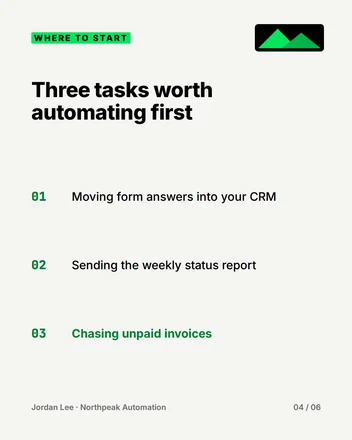
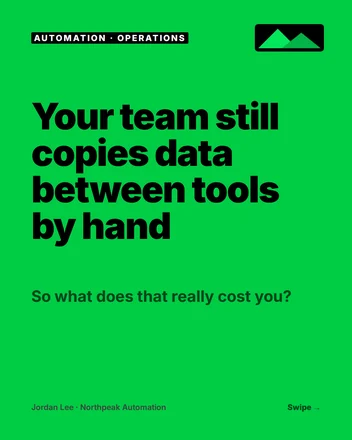
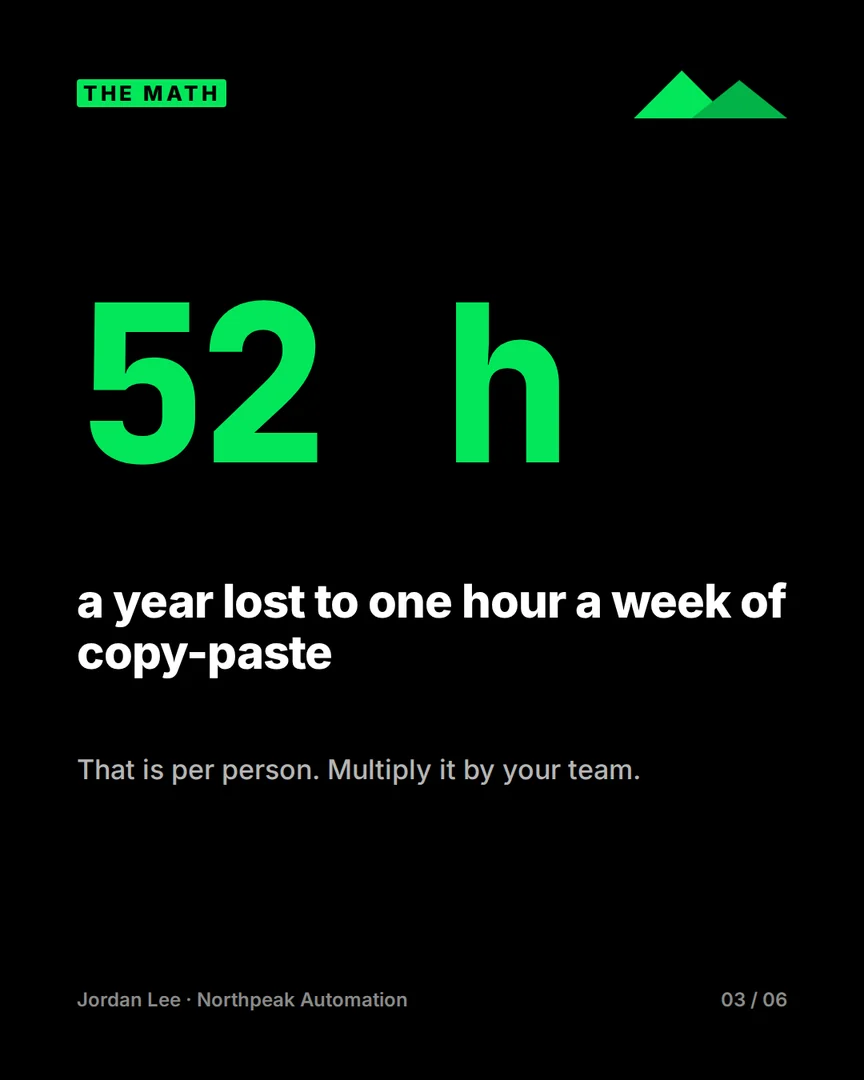
Six slides, one post
A real carousel made by Buzzydice for a demo client. Pick a slide to see it.
One line that makes your reader stop scrolling, with a question they want answered.
Demo client: Jordan Lee, Northpeak Automation (fictional).
What makes it different
Your brand, always readable
Pick any two colours. Buzzydice keeps every line of text readable on them, and keeps your colour for the accents.
Headline contrast 19.6 : 1, accent 13.0 : 1
Every number, checked
Each figure is checked against its source before the post is designed. If it can't be traced, it doesn't go out.
Only your real cases
We never invent clients, results or quotes. Stories come from the cases you give us.
In your voice
Written from your tone and topics.
Approval, if you want it
Nothing goes out until you say yes.
On your own profile
Posts go out under your name, not a company page, on the days and time you choose.
Questions
LinkedIn ends every app's access after 60 days. Before it runs out, we send you a link and one click renews it. If you don't renew, posting simply stops.
Yes. Turn on approval and each carousel reaches you first as a preview, with approve and reject links. Nothing is published until you approve it.
Publish posts on your profile, and read your name, email, photo and LinkedIn member ID. We can't read your messages, connections or feed, and we never change your profile or post anything you haven't set up.
No. You approve Buzzydice on LinkedIn's own page, and LinkedIn gives us a key that only allows the actions above. You can take it back at any time.
Buzzydice drafts each one with AI, from current news in your field and the cases you gave us, then checks every number against its source. You choose the topics and the tone.
Email victor@vssolutions.io, or remove Buzzydice in LinkedIn under Settings, Data privacy, Permitted services. Posting stops within one business day, and we delete your data when you ask.
Start this week
Tell us your name and how you'd like to work. We reply with your setup link, and your first post can go out within days.